
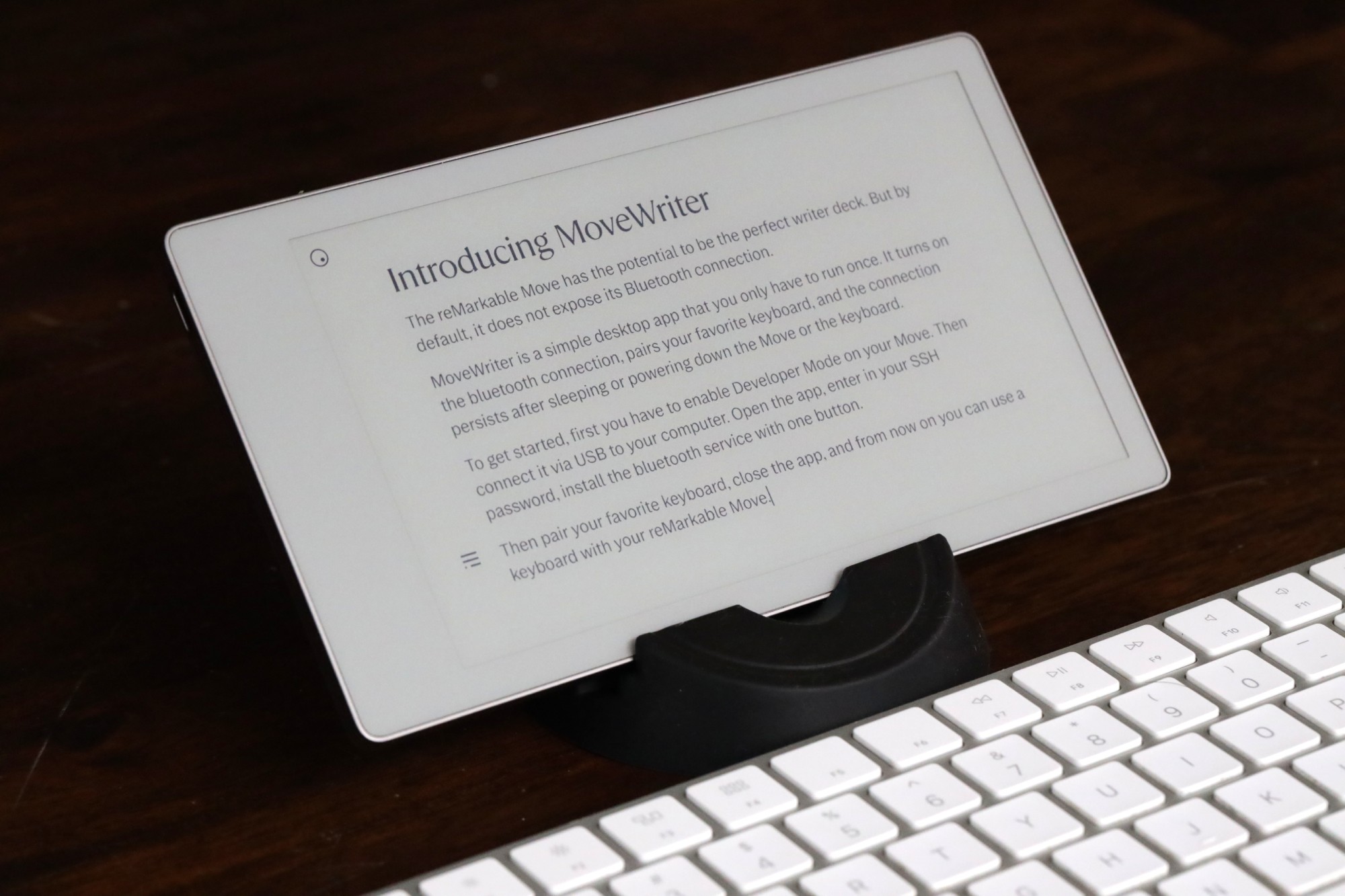
A Bluetooth keyboard
for your reMarkable Move.
One-time setup. Works after every reboot. Pair any keyboard and start typing.
The reMarkable Move has no keyboard support. Until now.
Without MoveWriter
- ✗ No Bluetooth keyboard support at all
- ✗ reMarkable never exposed Bluetooth pairing
- ✗ Limited to handwriting only
- ✗ An amazing eInk screen with no way to type on it
With MoveWriter
- ✓ Pair any Bluetooth keyboard
- ✓ Auto-reconnects when keyboard wakes up
- ✓ Survives reboots — always ready
- ✓ One-time setup, then forget about it
How It Works
Enable Developer Mode
Turn on Developer Mode in your reMarkable settings. This gives you SSH access to the device.
Connect via USB and open MoveWriter
Plug your reMarkable Move into your computer and launch the MoveWriter app.
Install the Bluetooth service
One click installs the keyboard service on your reMarkable. This persists across reboots.
Pair a keyboard — done!
Put your Bluetooth keyboard in pairing mode. MoveWriter finds it and pairs. You're typing on your Move!
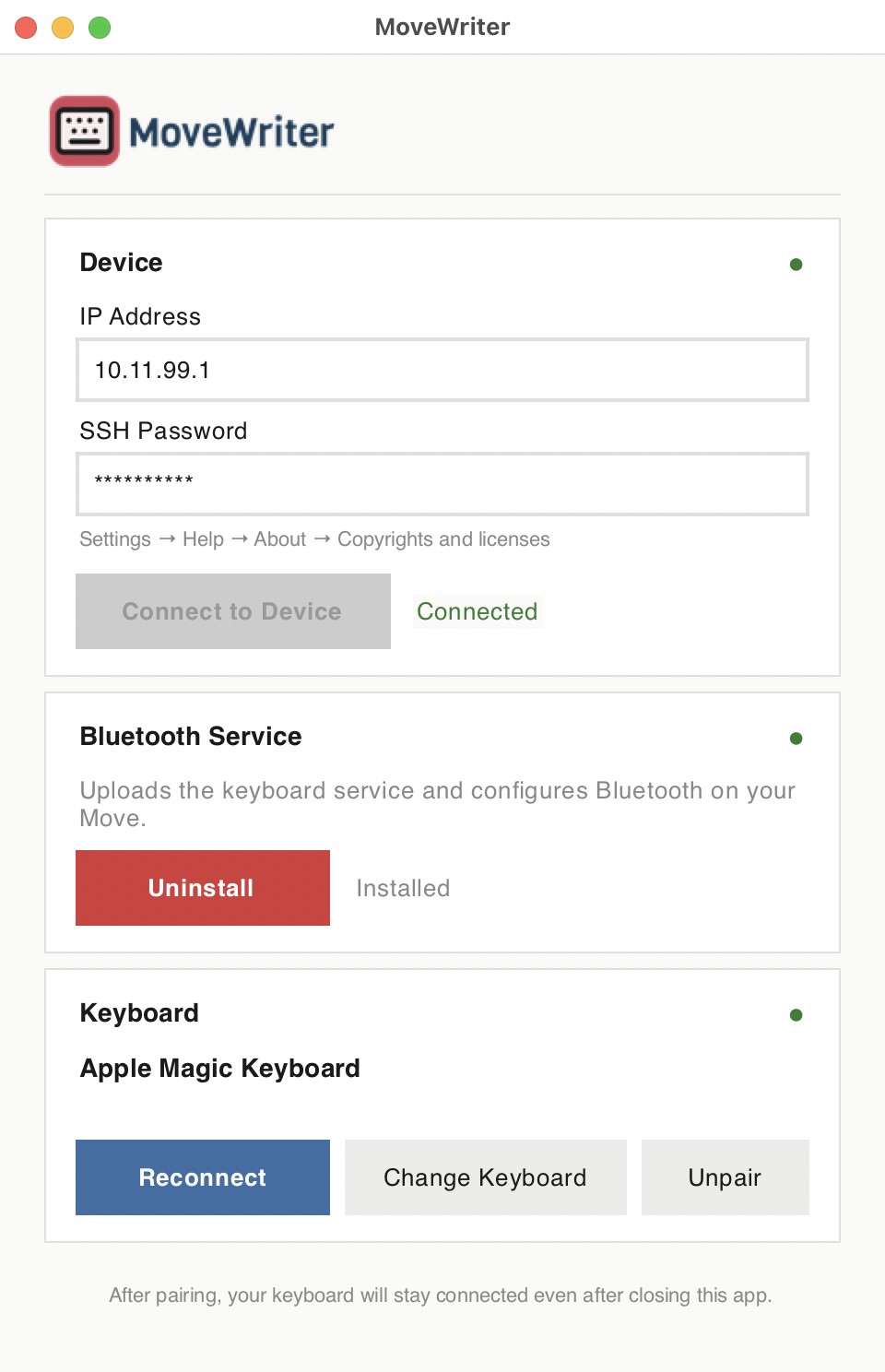
Set it up once. Type forever.
One-Time Setup
Install and pair your keyboard once, works forever.
Auto-Reconnect
Your keyboard reconnects automatically. Turn it off and on to give it a wake-up call.
Survives Reboots
The Bluetooth service persists. Reboot your Move, keyboard still works.
Any BT Keyboard
Works with any standard Bluetooth keyboard. Apple, Logitech, you name it.
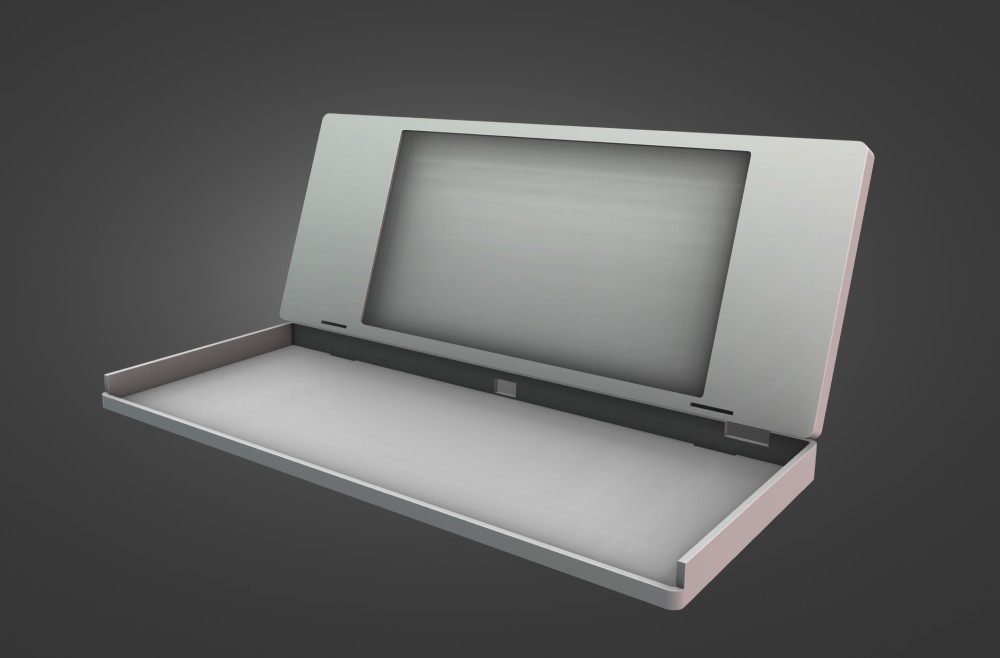
This is just the beginning.
I want to build the ultimate eInk writer deck — a 3D-printed enclosure that holds a reMarkable Move and an Apple Magic Keyboard together as one seamless device.
The Move has almost no typing latency compared to other eInk devices, making it uniquely suited for a distraction-free writing machine. MoveWriter is the software that makes it possible.
I would love to buy a 3D printer, design the enclosure, and figure out how to print and ship them — for everyone who's been looking for the perfect eInk writer deck but has always had to compromise on either the screen or the keyboard.
Interested in the writer deck shell?
Drop your email and I'll let you know when there's an update.

About me
Hi, I'm Vik, the developer behind Planneriffic, a calendar sync app that turns your reMarkable into a daily planner with your actual events on it.
I build tools for the reMarkable Move because I use one every day and I keep running into things it should be able to do but can't. MoveWriter started the same way — I wanted to type on my Move, so I made it happen.
Check out Planneriffic →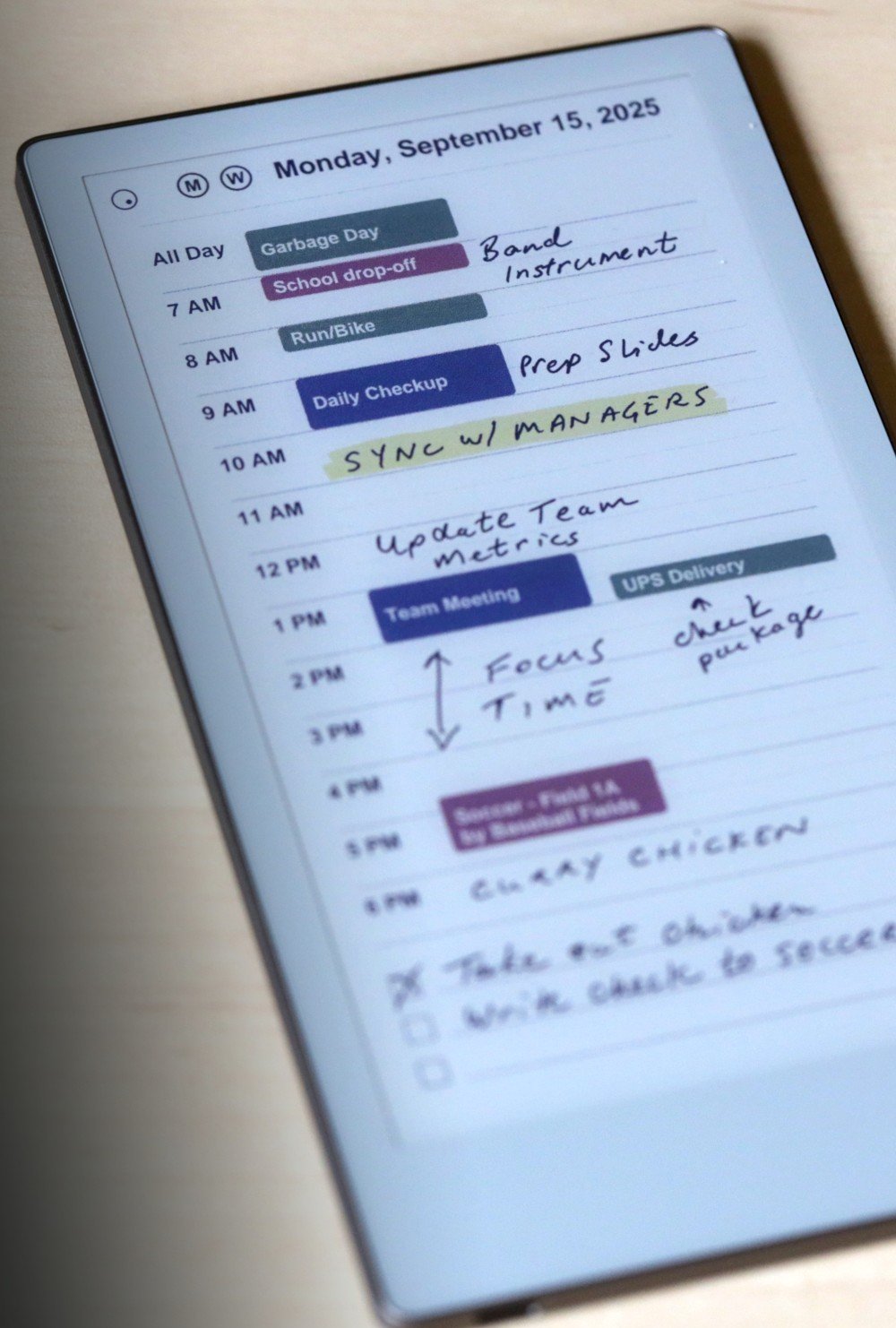
Frequently Asked Questions
Do I need Developer Mode?
Yes. Developer Mode gives MoveWriter SSH access to install the Bluetooth keyboard service on your reMarkable Move. You can enable it in Settings > General > Developer Mode.
What keyboards work?
Both standard Bluetooth keyboards and PIN-based keyboards are supported. For PIN-based keyboards, MoveWriter will display the PIN on your screen and prompt you to type it on your keyboard to complete pairing.
What happens after a reboot?
The Bluetooth service persists across reboots. No need to re-run MoveWriter more than once. But you may need to turn your keyboard off and back on to get it to re-pair after your reMarkable Move has been sleeping for a while.
Does it work on both Mac and Windows?
Yes. There are download links for both Mac and Windows apps. You only need to connect your reMarkable via USB during the initial setup — after that, the keyboard works independently.
Get MoveWriter
Free for Mac and Windows.
Find this useful? Help keep it free.